Basic Concepts of MikroTik and MikroTik hAP Lite RB941-2nD
 |
Figure 434 MikroTik hAP Lite RB941-2nD |
I. Basic Concepts of MikroTik
Conceptually, MikroTik is a software-based router system (RouterOS) that runs on routerboard hardware . Its primary function is to manage network data traffic .
Basic Working Principles
MikroTik router workflow in simple terms:

The router will:
- Receiving data packets
- Checking the destination address
- Setting up routing paths
- Securing the network
- Distributing connections
II. MikroTik hAP lite (RB941-2nD) Specifications


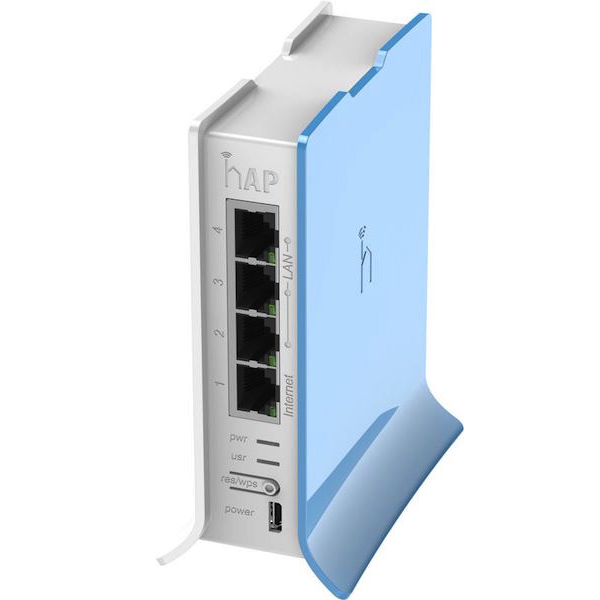
The device above is a MikroTik hAP lite with the code RB941-2nD . This device is a small router (home access point) typically used for:
- Small network router
- WiFi Access Point
- DHCP Server
- Firewall
- NAT internet sharing
This device runs RouterOS , MikroTik's proprietary network operating system.
Here are the main specifications of the device in the image:
Component | Specific 4 kasi |
|---|---|
Model | RB941-2nD |
Product name | hAP lite |
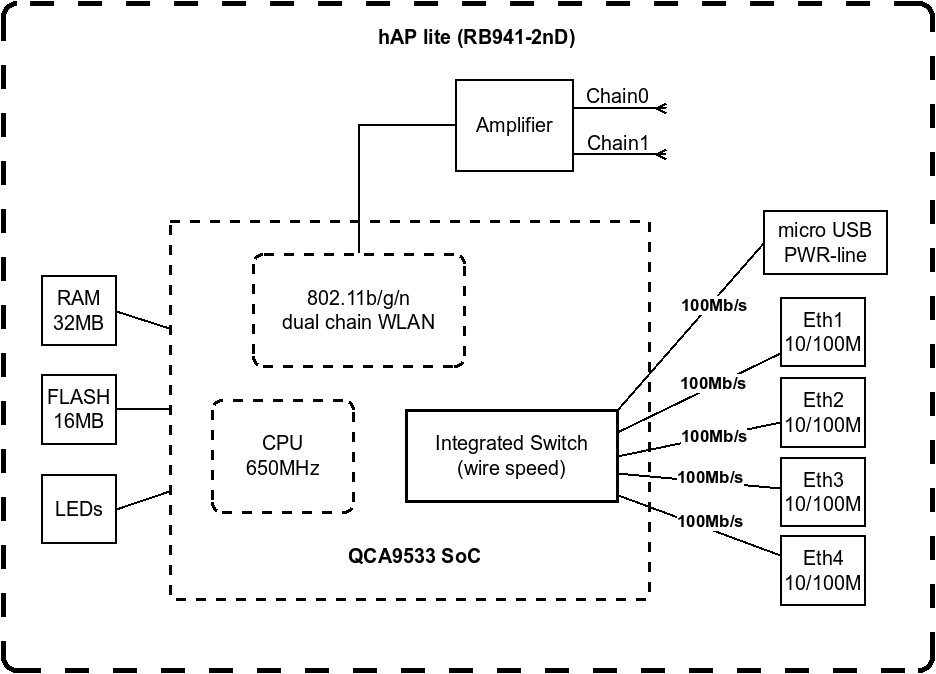
CPU | QCA9533 650 MHz |
RAM | 32 MB |
Storage | 16 MB Flash |
LAN port | 4 10/100 Ethernet Ports |
Wireless | 2.4 GHz 802.11 b/g/n |
Antenna | Built-in |
Operating system | RouterOS |
Power | Micro USB 5V |
This device is suitable for:
- School network laboratory
- Small hotspot
- Home router
- Mikrotik Practical
III. Function of MikroTik hAP lite Connector/Port
On this MikroTik there are several important connectors .
3.1. Ethernet Ports (Ether1 – Ether4)

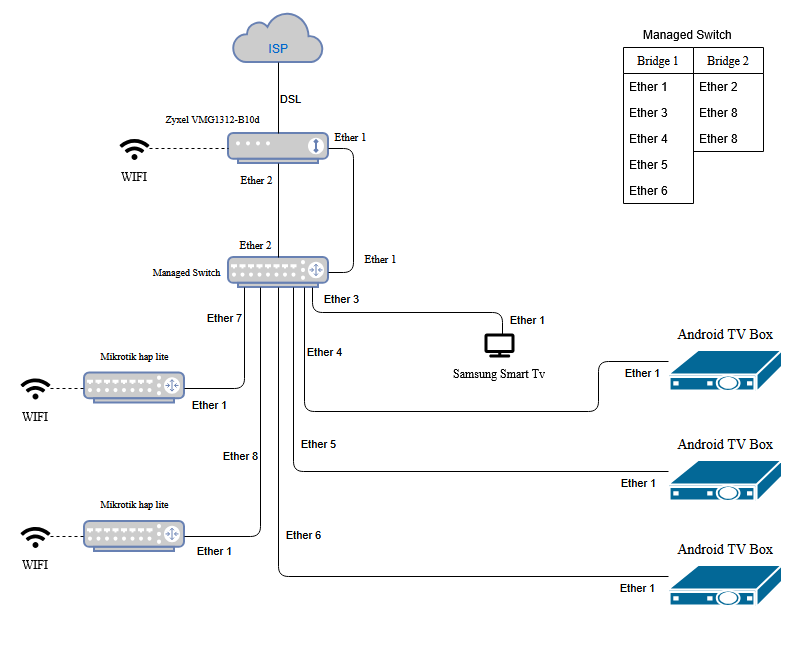


Total of 4 Ethernet ports with functions:
Port | Function |
|---|---|
Ether1 | Usually as WAN (Internet) |
Ether2 | LAN to computer / switch |
Ether3 | LAN to computer / switch |
Ether4 | LAN to computer / switch |
Explanation
Ether1 (WAN)
Used for connection to:
- Modem
- ISP
- Main router
Ether2 – Ether4 (LAN)
Used for:
- PC
- Laptop
- Switch
- Additional Access Point
All ports use 10/100 Mbps speed .
3.2. Wireless (Internal WiFi)
This router has an internal 2.4 GHz Access Point .
Function:
- Provides WiFi network
- Connect:
- Laptop
- Smartphone
- Tablet
- IoT devices
WiFi Standards:
802.11 b802.11 g802.11 n
Frequency: 2.4 GHz
3.3. Power Port (Micro USB)
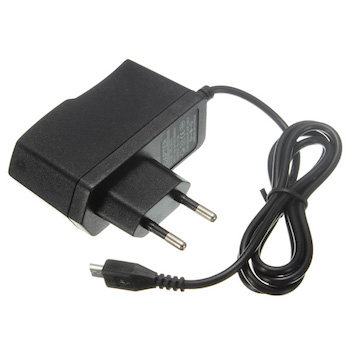

This device uses micro USB as a power source .
Specification:
- Voltage: 5V
- Current: about 0.7A
Usually use:
- Cell Phone Charger
- Power adapter
- Power bank
- computer USB
This makes the device very energy efficient .
3.4. Reset Button
Usually there is a small reset hole .
Function:
Restore configuration to factory defaultUsed when:
- Forgot the password
- Router error
- Reconfiguration
General reset method:
- Press the reset button
- Connect the power
- Hold for ±10 seconds
IV. Main Functions of MikroTik in Networks
MikroTik is usually used for:
4.1. Routing
Connecting two different networks.
Example:
Internet ↔ Router MikroTik ↔ Jaringan LAN
4.2. NAT (Internet Sharing)
One internet IP can be used by many computers.
4.3. DHCP Server
MikroTik can automatically share IP to clients.
Example:
192.168.10.2192.168.10.3192.168.10.4
4.4. Firewall
Securing the network from:
- Hacker
- Port scanning
- Network attack
4.5. Hotspot Server
Widely used for:
- school WiFi
- Wi-Fi cafe
- campus WiFi
With user login page .
V. Example of Simple Topology

Notes for learning at SMK TJKT
This router is very suitable for practicals:
DHCP Server Configuration
Hotspot Configuration
Firewall Configuration
Bridge Configuration
Access Point Configuration


Tidak ada komentar:
Posting Komentar